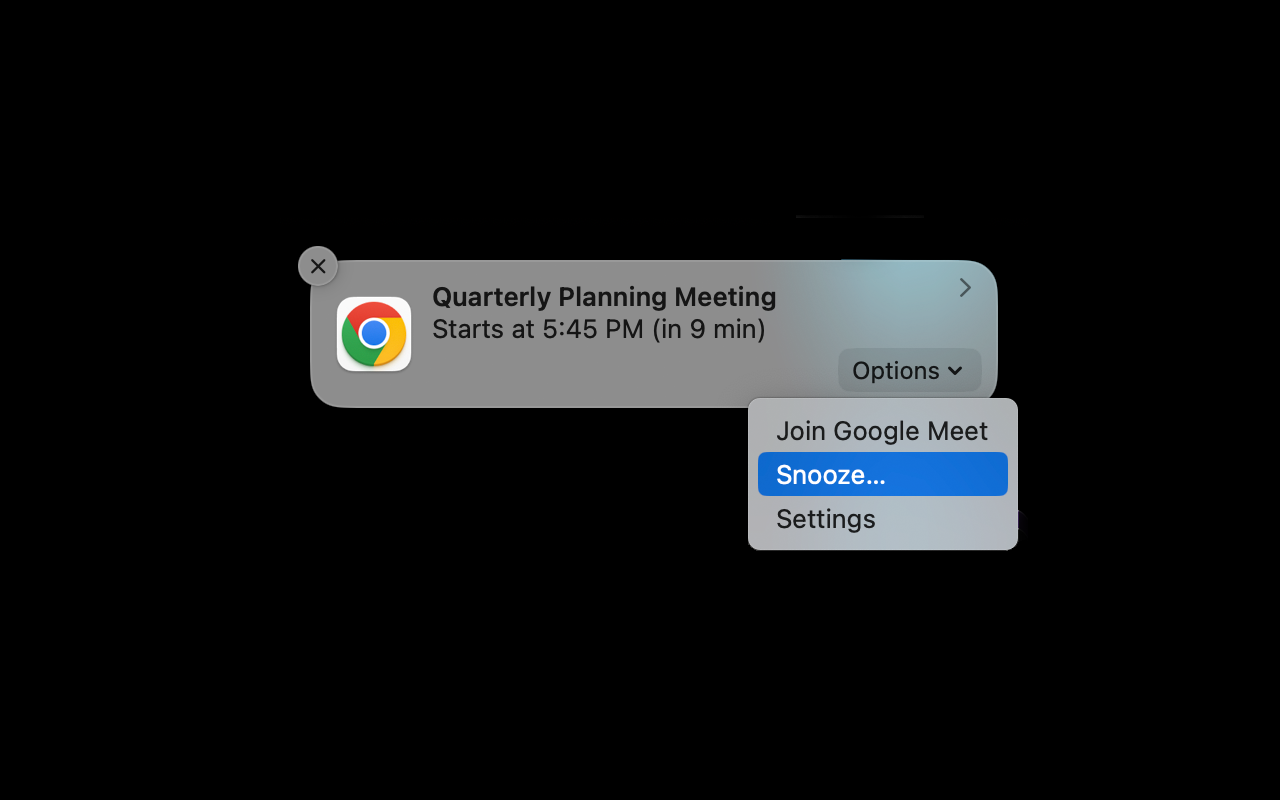
Smart Reminder Window
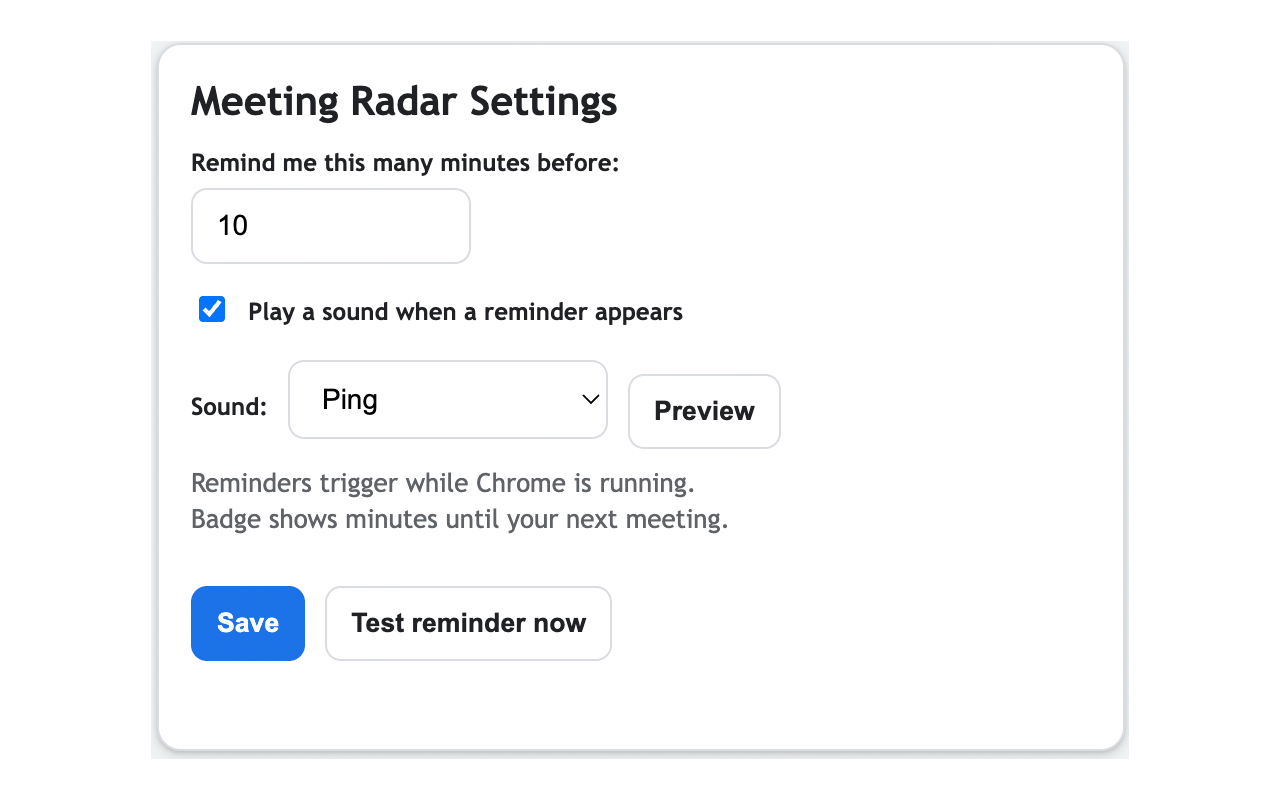
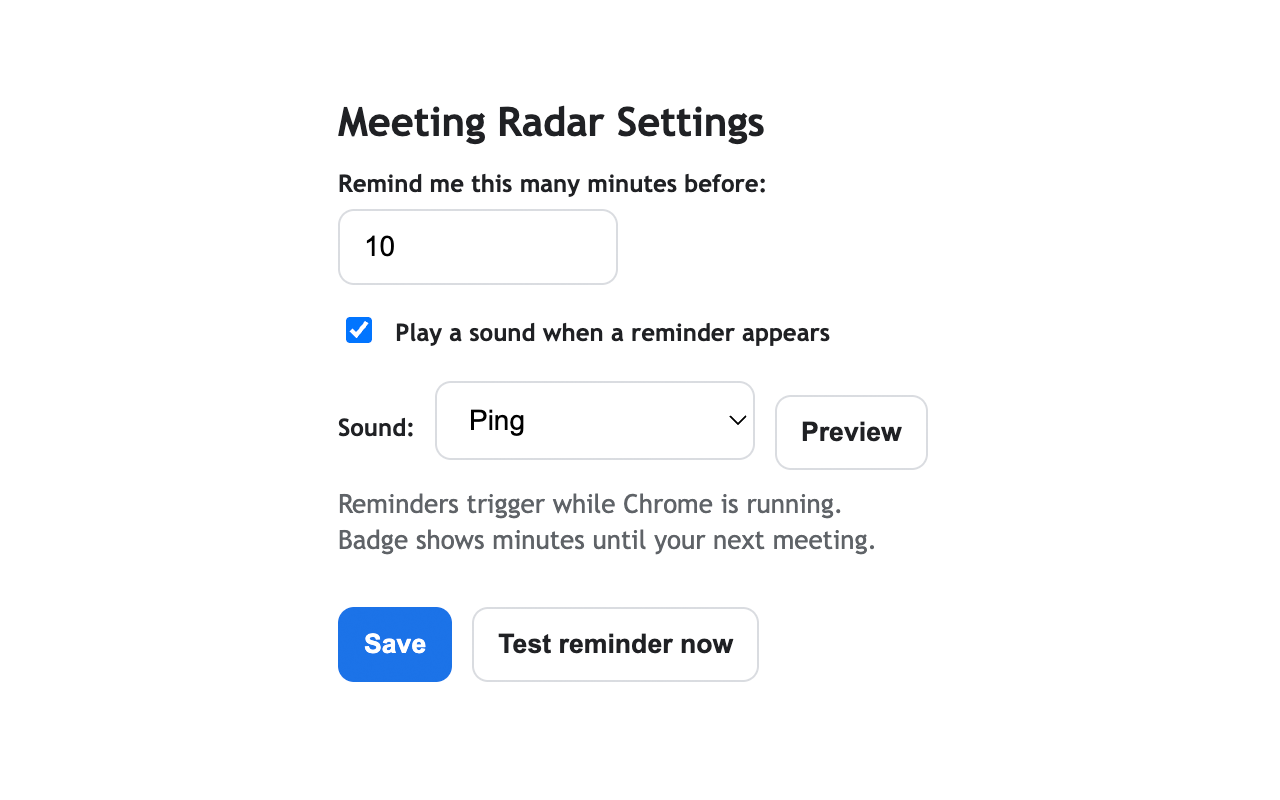
Choose how many minutes before each meeting you want to be notified.
Chrome Extension
Meeting Radar brings Google Calendar reminders into Chrome with snooze controls, quick join links, and a live badge that counts down to your next event.
Features
Choose how many minutes before each meeting you want to be notified.
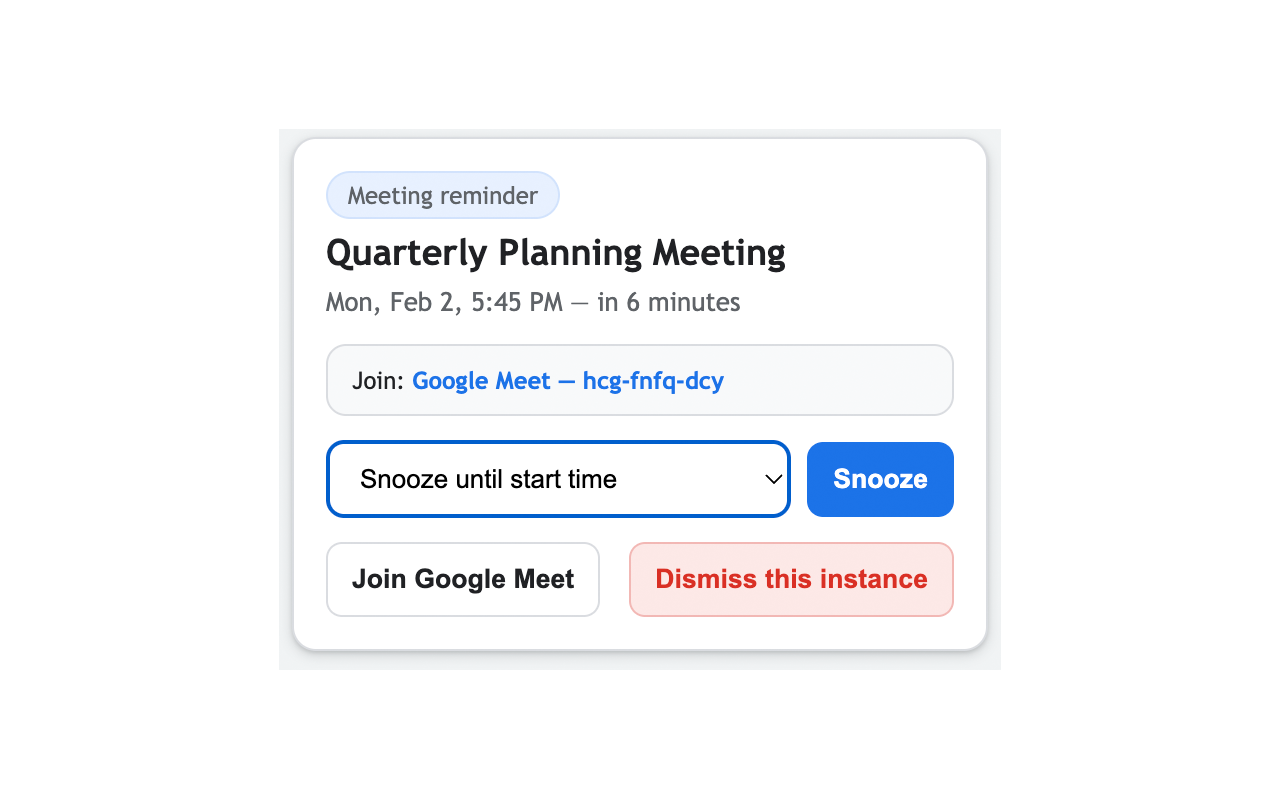
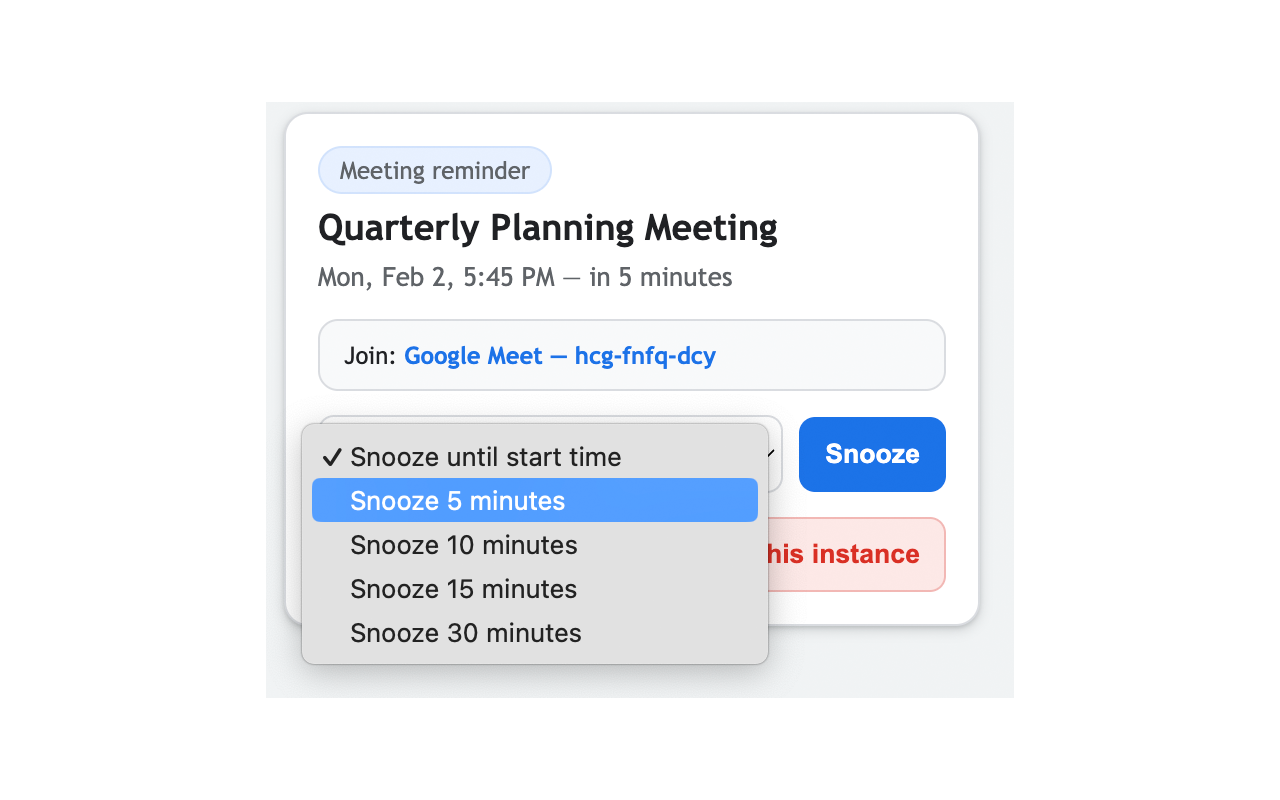
Snooze until start time or choose 5, 10, 15, and 30-minute options.
Meeting links are surfaced directly in the reminder so you can jump in fast.
Select ping, chime, or bell and preview sounds instantly from settings.
The toolbar badge keeps the next meeting ETA visible while you work.
Clean controls and lightweight UI keep reminders useful without interruptions.
How It Works
Load the extension and grant Google Calendar read-only access.
Set your lead time and optional reminder sounds in the options page.
Get reminders with one-click snooze and join controls as meetings approach.
UI Preview
Privacy & Permissions
FAQ
Meeting Radar currently reads events from Google Calendar using a read-only OAuth scope.
No. Chrome must be running for alarms and notifications to trigger.
Yes. You can enable sound, choose from ping/chime/bell, and preview it in settings.
Yes. Use “Dismiss this instance” in the reminder window.
Use the “Test reminder now” button on the options page to generate a sample reminder.